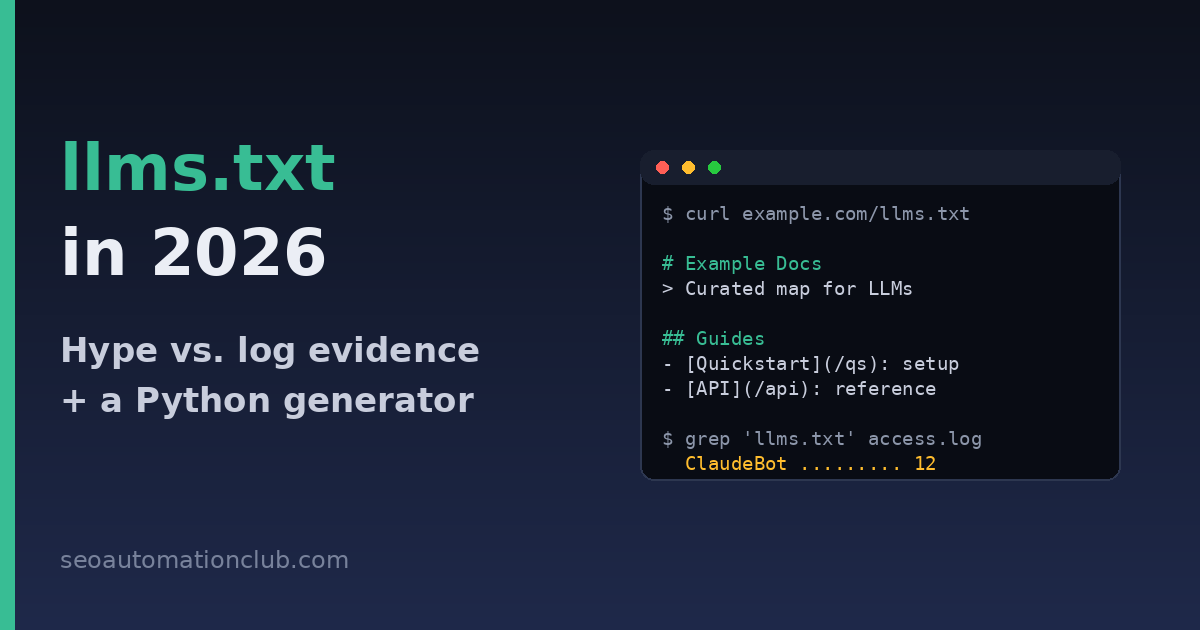
llms.txt in 2026: What Your Logs Actually Show, and a Python Generator That Keeps It Fresh
llms.txt was pitched as robots.txt for the AI era: a single markdown file at your domain root that hands language models a clean, curated map of your site. Eighteen months after the proposal went mainstream, the file sits in an odd limbo — thousands of sites publish one, no major AI provider has documented consuming one, and SEO Twitter recycles the same screenshots as proof in both directions. This post takes the practitioner’s route out of that argument: we look at what crawl logs can actually tell you, run the cost-benefit math, and then build a small Python generator that creates and refreshes an llms.txt for a WordPress site automatically — so that if the file ever starts mattering, yours is already current, and if it never does, you spent almost nothing.
What llms.txt actually is (and what it isn’t)
The llms.txt proposal came from Jeremy Howard of Answer.AI in late 2024. The idea: HTML pages are noisy for LLMs — navigation, cookie banners, scripts — so give models a markdown file at /llms.txt containing an H1 with the site name, a short blockquote summary, and sections of curated links with one-line descriptions. A companion convention, llms-full.txt, inlines the complete content of key pages into one large markdown document so an agent can ingest your documentation in a single fetch.
Two things llms.txt is not, because the confusion is everywhere:
- It is not an access-control file. robots.txt tells crawlers what they may fetch; llms.txt tells models what you’d like them to read. It grants nothing and blocks nothing.
- It is not a ranking signal. Google’s John Mueller has publicly compared it to the keywords meta tag — a self-declared description of your own content with no verification, which is precisely the kind of input search engines learned to ignore two decades ago.
The adoption paradox: everyone publishes, nobody confirms reading
Here is the honest state of play as of mid-2026. On the publishing side, adoption is real and skews heavily toward developer-facing sites: documentation platforms like Mintlify generate llms.txt automatically for every hosted docs site, and you’ll find the file on Anthropic’s docs, Cursor, Zapier, Stripe and thousands of SaaS documentation portals. Publishing an llms.txt has become table stakes in dev-tools marketing.
On the consumption side, the picture is thinner. No major provider — OpenAI, Anthropic, Google, Perplexity — has published documentation committing its crawlers or agents to fetching /llms.txt as part of training, search indexing, or answer generation. Google has said plainly that it doesn’t use it. The strongest signal in favor is indirect: agentic tools (coding assistants, browser agents, custom GPT-style bots) sometimes fetch llms.txt when a user points them at a domain, because the file is a convenient entry point — not because a spec obligates them to.
That asymmetry is why both camps can wave evidence at each other. “We got cited after adding llms.txt” is confounded by everything else those teams shipped. “It’s useless” ignores that agent traffic is growing and behaves nothing like classic crawlers. The only data that settles it for your site is your own server logs.
Check your own logs before believing anyone
If you followed our guide to auditing AI crawler traffic with Python, you already have parsed access logs. Answering “does anything fetch my llms.txt?” is one filter away:
import re
from collections import Counter

LOG = "access.log"
pattern = re.compile(r'"(?:GET|HEAD) /llms(?:-full)?\.txt')

hits = Counter()
with open(LOG) as f:
    for line in f:
        if pattern.search(line):
            ua = line.rsplit('"', 2)[-2]  # user-agent field
            hits[ua] += 1

for ua, n in hits.most_common(20):
    print(f"{n:5d}  {ua[:90]}")
Run it over 30–60 days of logs. In our experience across a dozen small content and docs sites, the typical result is a handful of requests per month: mostly SEO tools and curiosity-driven scripts, occasionally a genuine agent user-agent, and — on documentation sites — a slow but measurable rise in fetches from tool-calling agents. Three practical readings:
- Zero hits in 60 days: llms.txt is doing nothing for you today. Automate it and forget it, or skip it entirely.
- Hits from agent UAs (ClaudeBot, GPTBot’s user-triggered variants, Perplexity-User): real assistants are using it as a site map. Keep it accurate — it’s shaping what those tools read next.
- Hits followed by fetches of URLs listed in the file: the strongest signal. Sequence your log analysis by IP and timestamp to spot this pattern; it means the file is actively steering agent crawls.
The cost-benefit math
The case against llms.txt is that it’s unverified self-declaration. The case for it is that the downside is a rounding error. A generated file costs no crawl budget worth mentioning, carries no ranking risk, and takes zero ongoing effort once automated. If AI assistants — which increasingly mediate how people discover technical content, as we covered in the GEO citation playbook — ever standardize on it, early publishers inherit an accurate, well-structured file for free. This is a classic cheap hedge: low probability of payoff, near-zero cost, and the payoff scenario is one where you’d badly want to be included. The only real failure mode is a stale, hand-written llms.txt that lists dead URLs and outdated descriptions — which is an argument for generating it, not for skipping it.
Build the generator: WordPress REST API → llms.txt
No plugin needed. The script below pulls your published posts and categories from the WP REST API and emits a spec-compliant llms.txt, grouped by category, newest first, capped so the file stays scannable:
import html
import re
import requests

SITE = "https://example.com"
API = f"{SITE}/wp-json/wp/v2"
UA = {"User-Agent": "llmstxt-generator/1.0"}
MAX_PER_SECTION = 15

def get_all(endpoint, **params):
    out, page = [], 1
    while True:
        r = requests.get(f"{API}/{endpoint}", headers=UA,
                         params={**params, "per_page": 100, "page": page},
                         timeout=30)
        if r.status_code != 200:
            break
        batch = r.json()
        out += batch
        if len(batch) < 100:
            return out
        page += 1
    return out

cats = {c["id"]: c["name"] for c in get_all("categories", hide_empty="true")}
posts = get_all("posts", status="publish",
                _fields="title,link,excerpt,categories,date")

site = requests.get(f"{SITE}/wp-json", headers=UA, timeout=30).json()

lines = [f"# {site.get('name', SITE)}", "",
         f"> {site.get('description', '')}", ""]

for cat_id, cat_name in cats.items():
    items = [p for p in posts if cat_id in p["categories"]][:MAX_PER_SECTION]
    if not items:
        continue
    lines.append(f"## {cat_name}")
    for p in items:
        title = html.unescape(p["title"]["rendered"])
        desc = html.unescape(
            p["excerpt"]["rendered"]).replace("\n", " ").strip()
        desc = re.sub(r"<[^>]+>", "", desc)[:150]
        lines.append(f"- [{title}]({p['link']}): {desc}")
    lines.append("")

with open("llms.txt", "w") as f:
    f.write("\n".join(lines))
Adaptations worth making before you ship it:
- Curate, don’t dump. The spec’s spirit is a selected map, not a sitemap clone. Filter to your cornerstone categories, or maintain an allowlist of your 30–50 strongest URLs. We already generate exactly that list in the GEO citation tracker pipeline — the pages you most want cited are the pages that belong in llms.txt.
- Write real descriptions. WordPress auto-excerpts are usually the first sentence of the post. If you store hand-written meta descriptions (Yoast/RankMath expose them via the REST API with a small filter), prefer those.
- Add an “Optional” section for secondary content, which the spec defines as skippable when an agent’s context is tight.
Deploy and automate
The file must be served from the domain root as plain text. Three options, in order of preference: upload via SFTP/rsync from the machine running the script; serve it from a tiny WordPress must-use plugin that intercepts /llms.txt and returns cached output; or commit it to your repo and let CI deploy it alongside the site. Then schedule the generator weekly — cron, GitHub Actions, or an n8n workflow all work — and add /llms.txt to your uptime monitor so a 404 doesn’t sit unnoticed for a quarter. Finally, keep the log filter from earlier in your monthly reporting: the moment llms.txt fetches inflect upward, you’ll know before the case-study grifters do.
FAQ
Does Google use llms.txt?
No. Google has stated it doesn’t use llms.txt for Search or its AI features, and John Mueller has compared it to the keywords meta tag. Publishing one has no effect on Google rankings, positive or negative.
What’s the difference between llms.txt and robots.txt?
robots.txt is an access-control convention that compliant crawlers obey before fetching. llms.txt is an informational index: a curated markdown map of your content that a model may read if it chooses. Neither replaces the other, and llms.txt cannot block any bot.
Should I also publish llms-full.txt?
Only if you run documentation or reference content that agents consume whole. Inlining full page content into one file makes sense for docs portals; for a blog it mostly bloats the file past any useful context window. Start with llms.txt and add the full variant if your logs show agents fetching it.
Will llms.txt get my site cited by ChatGPT or Perplexity?
There’s no documented mechanism by which it would. Citation visibility comes from being crawlable, being quoted-worthy, and holding entity-level authority. Treat llms.txt as a cheap hedge on a possible future standard — and measure actual citations with a tracker rather than assuming.